A template should help you start and make omissions visible. It should be easy to change once the work takes shape.
Choose by the reader’s task
| Document | Keep these questions |
|---|---|
| Meeting | What changed? What was decided? Who owns the next action? |
| Plan | What outcome, milestones, constraints and checks matter? |
| Technical design | What behavior, alternatives and failure paths need review? |
| Research / Study | What question, evidence, uncertainty and conclusion matter? |
| Process / Runbook | What triggers the procedure, what are the steps and when should someone stop? |
Use a guided start
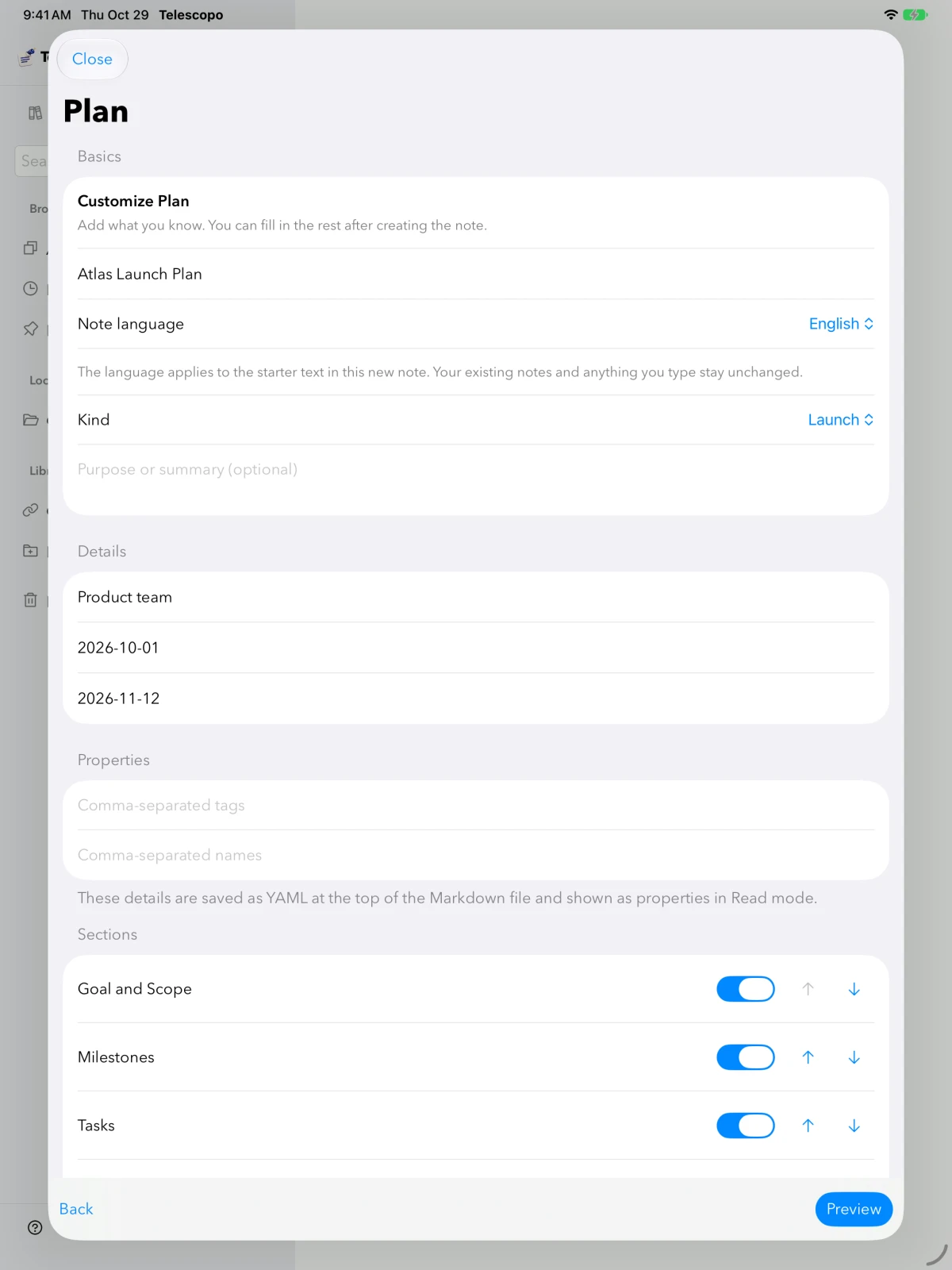
- Open the creation menu → New Note….
- Choose the closest purpose and add a brief context.
- Select useful sections and elements. Remove items you will not fill in.
- Preview, revise and create in the intended location. Save a reusable layout to My Templates if it will help next time.
Start from a plain file
Use a Markdown template when you want to inspect the structure before opening the app or share it with another editor. The template library contains downloadable files; they do not require a special document format.
Download a technical designDownload a decision noteBrowse the Markdown template library.
Replace labels with useful headings
## Decision
Use a ten-minute interval for the first survey.

## Why this is sufficient
The pilot showed little variation within five minutes.

## Check after launch
Review the first day for short events we may have missed.
Delete empty sections before sharing. A shorter complete document is easier to review than a template full of placeholders.
Try it in Telescopo
Explore the included sample documents for free. Opening and reading your own Markdown files, diagrams, and equations is free. Writing, conversion on supported hardware, and export require paid access. See access and subscription details.
Download Telescopo