Ready-to-use templates for writing, technical docs, project management, learning, and personal
productivity. Browse, copy to clipboard, or download as .md files.
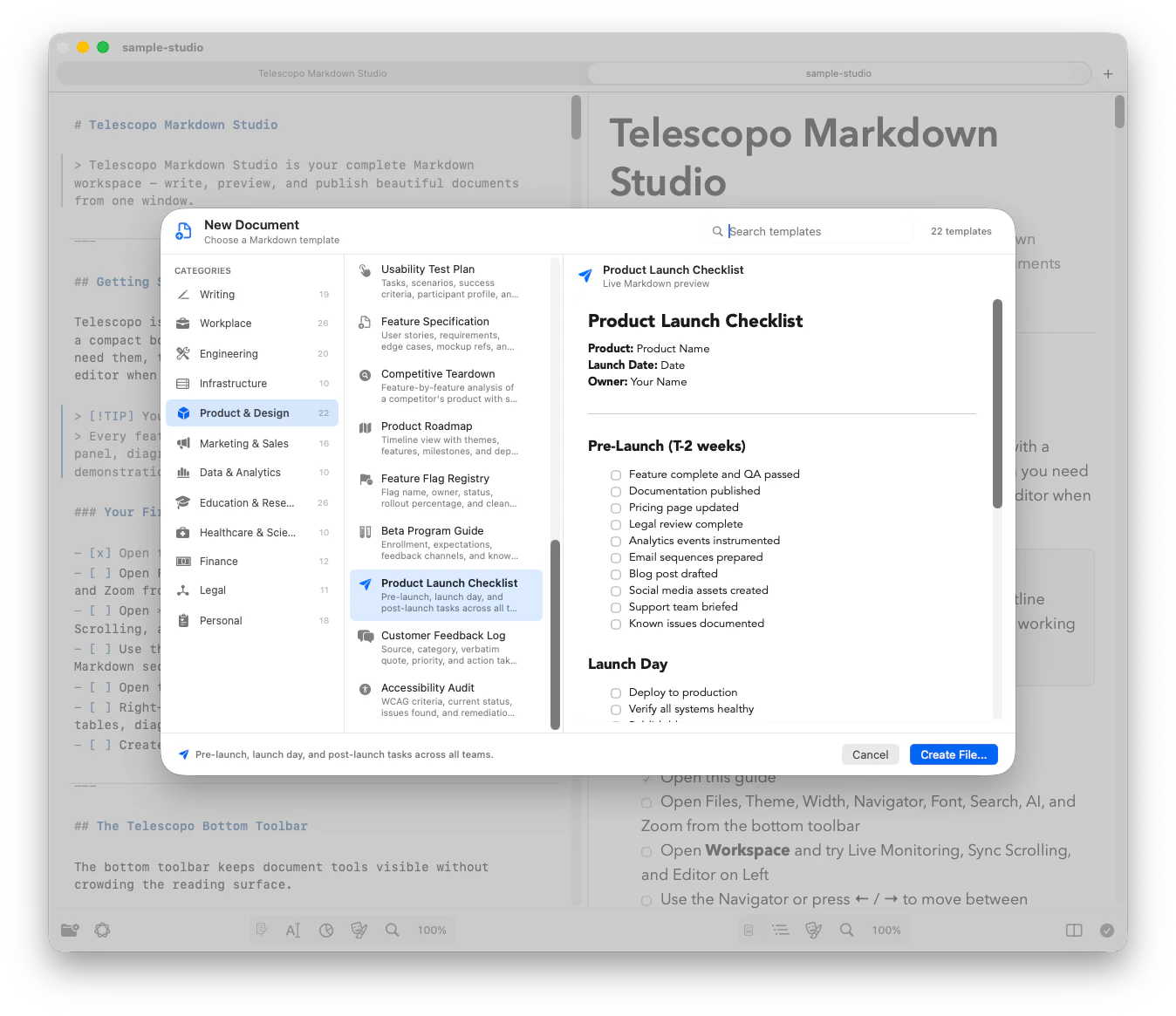
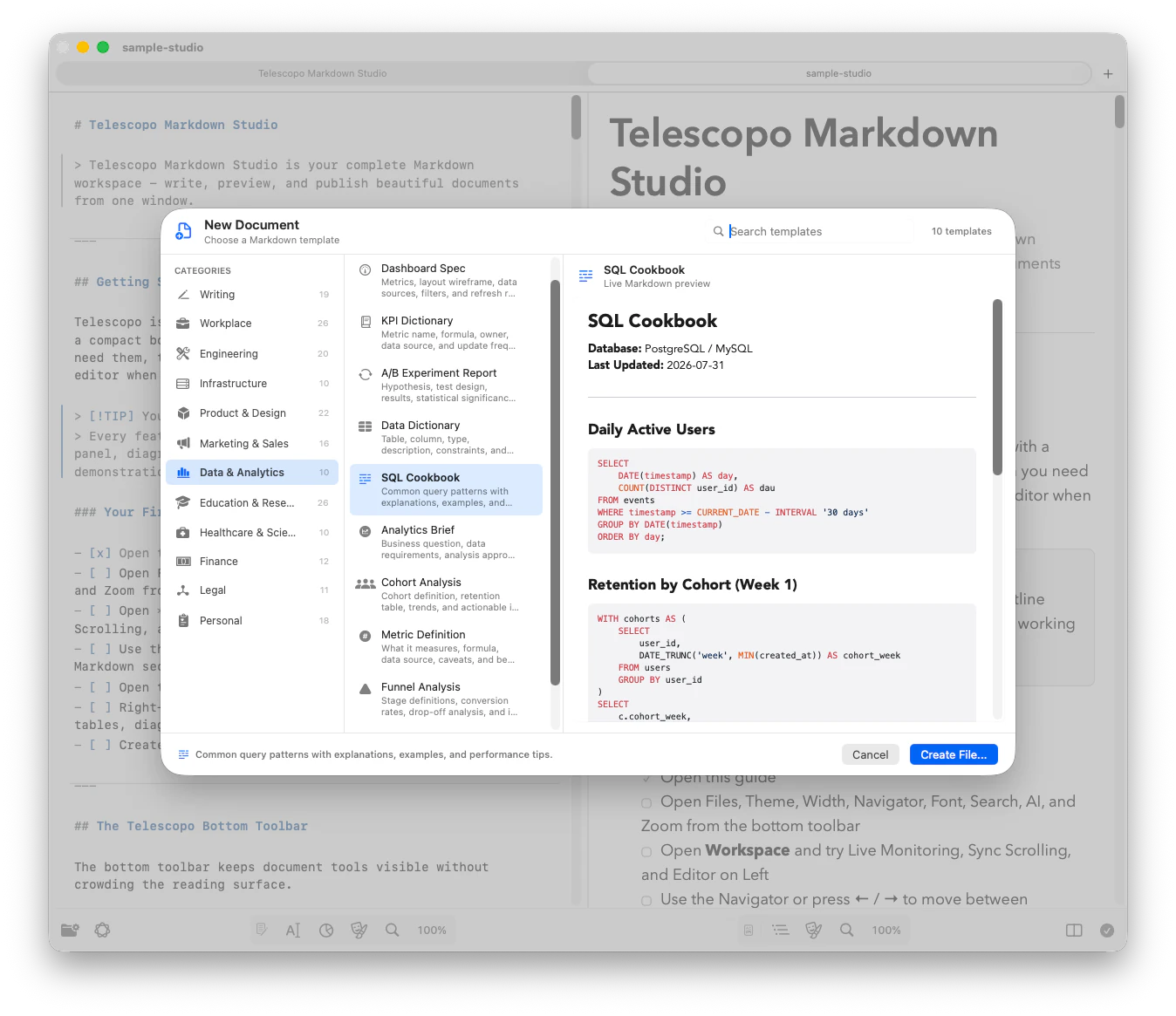
These are the same templates built into Telescopo's template picker. Use them in any Markdown editor.
Yes. All 200 templates are free. Copy, download, or modify them for any purpose — personal, commercial, or open source.
Telescopo is a dedicated Markdown viewer for Mac that renders these templates beautifully with 30 themes, Mermaid diagrams, and LaTeX math support. Download it free from the Mac App Store.
Several templates include Mermaid diagram examples, including Technical Spec (sequence diagram), Sprint Planning (Gantt chart), Architecture Doc (flowchart), User Story Map (flowchart), and SWOT Analysis (quadrant chart).
These are standard Markdown (.md) files using CommonMark
and GitHub Flavored Markdown syntax. Tables, task lists, code blocks, and diagrams render
correctly in any Markdown-compatible application.
Templates are organized into 12 categories: Workplace (meeting notes, proposals, retrospectives), Engineering (READMEs, API docs, runbooks), Product & Design (PRDs, user stories, design systems), Writing (blog posts, newsletters, case studies), Marketing & Sales (campaigns, pitch scripts, landing pages), Education & Research (study guides, lab reports, lesson plans), Infrastructure (CI/CD docs, Terraform modules, DR plans), Data & Analytics (dashboards, KPIs, experiment reports), Healthcare & Science (clinical protocols, lab inventories), Finance (invoices, budgets, grant proposals), Legal (NDAs, contracts, compliance), and Personal (journals, recipes, habit trackers).
All 200 templates are built directly into Telescopo's template picker. Open the app, choose a template from any category, and start writing immediately — no downloads or setup required. Download Telescopo free.
No. Once downloaded, templates work entirely offline. Telescopo itself is a fully local application — no account, no cloud sync, no internet connection needed. Your documents never leave your Mac.