Mermaid Viewer for Mac
Open local Markdown and render 18 built-in diagram capabilities directly on macOS. Flowcharts, sequence diagrams, system models, project plans, data views, and more remain readable beside the prose.
Open local Markdown and render 18 built-in diagram capabilities directly on macOS. Flowcharts, sequence diagrams, system models, project plans, data views, and more remain readable beside the prose.
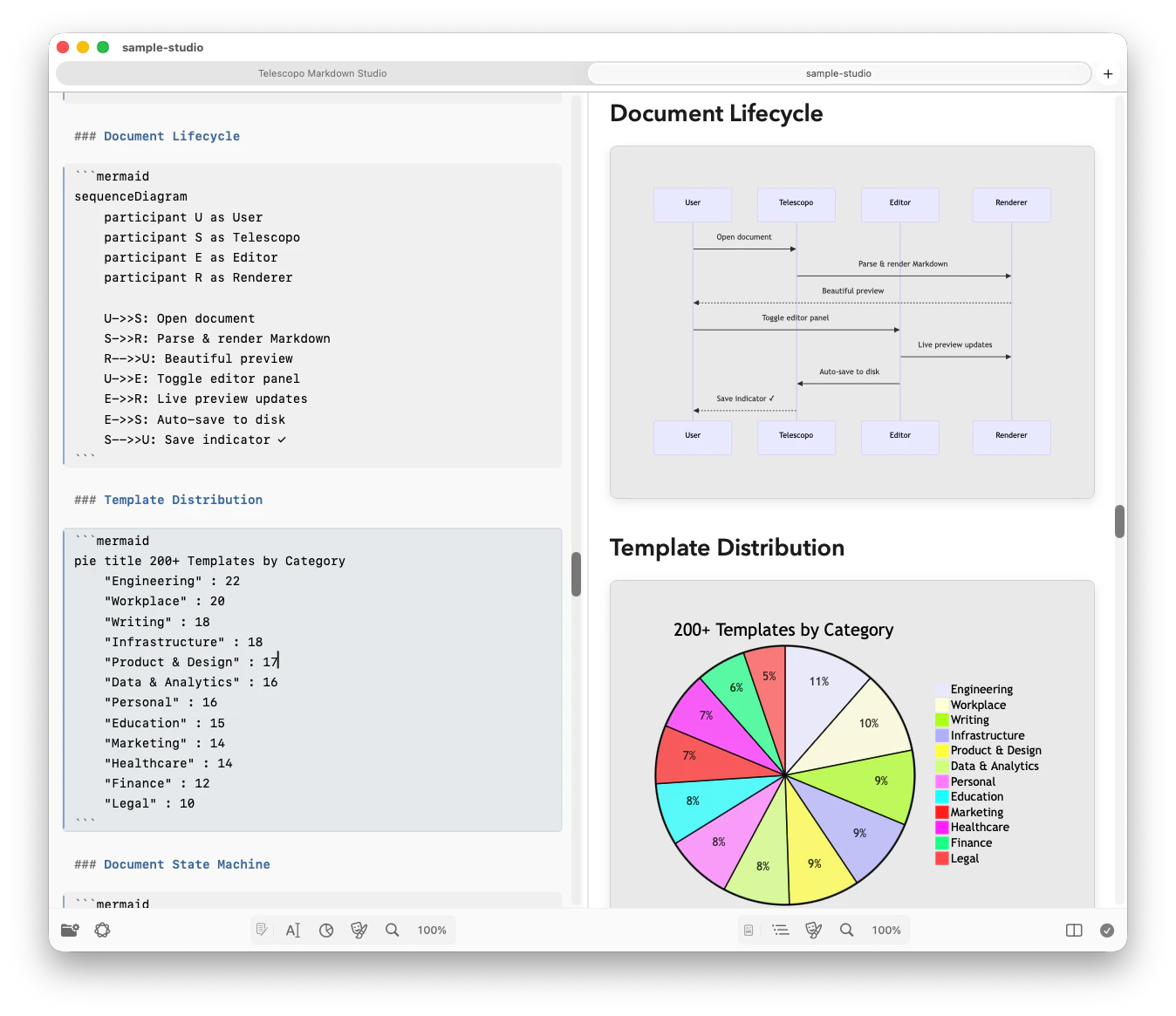
The current Telescopo capability registry groups diagrams by the work they explain. ZenUML is handled through its dedicated fenced language; Donut Chart uses Telescopo's configured Mermaid pie rendering.
Process flows & decisions
API calls & interactions
Code-like service interactions
State machines & transitions
Experience stages & satisfaction
Events & milestones
Software context & boundaries
Objects & inheritance
Database entities & relationships
Requirements traceability
Branches, commits & merges
Schedules & dependencies
Work stages & task progress
Commands, events & read models
Ideas & hierarchical branches
Proportional breakdowns
Ring charts with visible values
2×2 priority matrices
Inspect the source yourself. Download the Mermaid capability sample, then open it in Telescopo. Diagram rendering runs locally and does not require a browser extension.
Yes. Telescopo Markdown Studio renders Mermaid diagrams natively on macOS. Open any Markdown file with Mermaid code blocks and they render instantly, offline.
Telescopo currently exposes 18 built-in capabilities across flow and interaction, software and systems, planning and strategy, and data analysis. The list above reflects the application capability registry verified in August 2026.
Yes. Telescopo Markdown Studio exports your entire Markdown document, including all rendered Mermaid diagrams, to a theme-aware PDF with landscape support.
Download Telescopo Markdown Studio and use the 7-day full-feature trial to render Mermaid code blocks natively.