| Workflow | VS Code | Telescopo Markdown Studio |
|---|---|---|
| Primary role | General developer editor and extensible coding environment | Native Mac workspace for Markdown documents, READMEs, specs, reports, diagrams, and exports |
| Markdown preview | Built-in Markdown preview plus extension ecosystem | Split editor with instant rendered preview designed around finished Markdown documents |
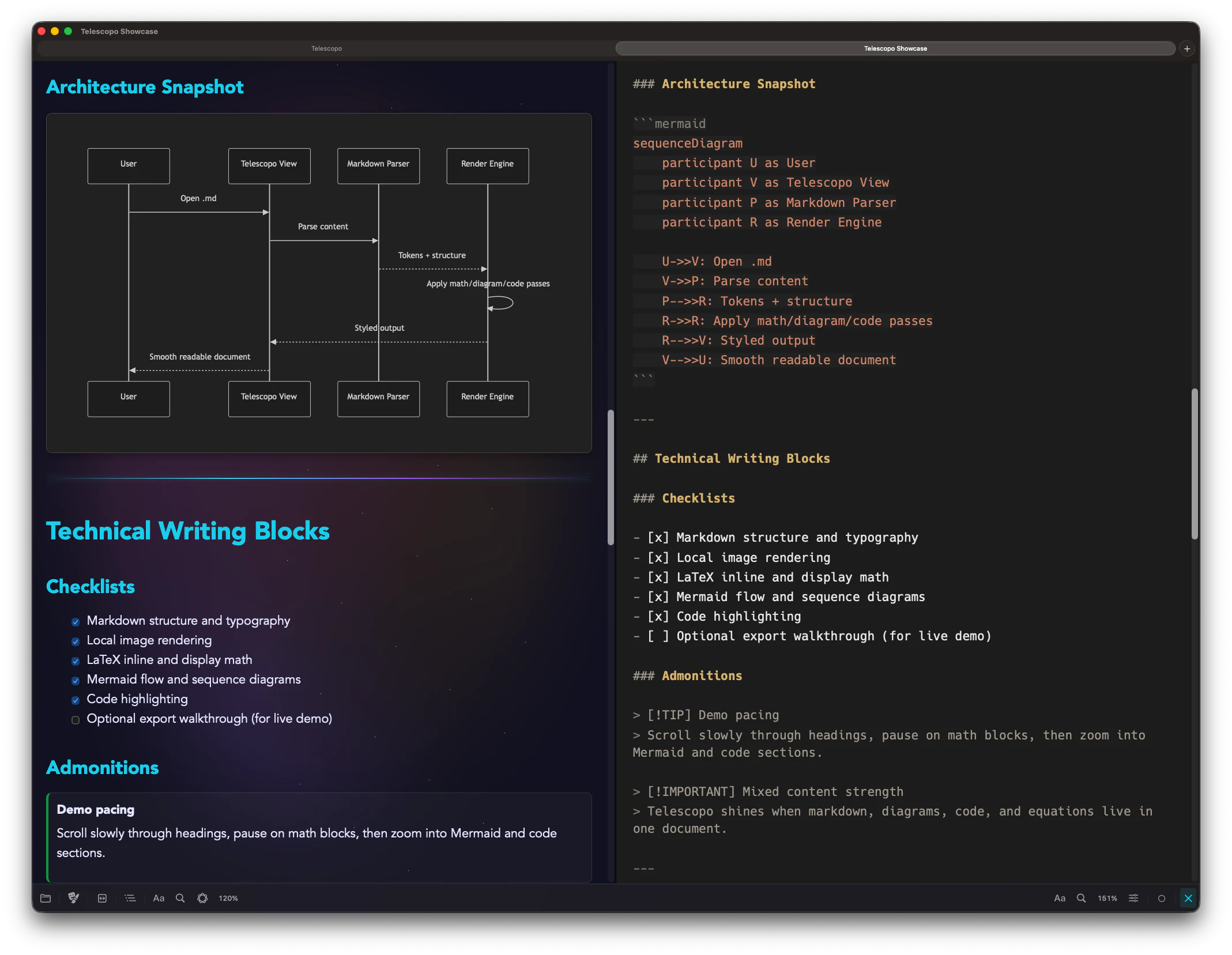
| Rich Markdown | Depends on built-in support, extensions, and configured toolchains | Mermaid diagrams, LaTeX math, images, code highlighting, templates, callouts, and command-menu insertion |
| PDF export | Typically handled through extensions, print workflows, or external tools | Built-in Markdown to PDF export with dynamic preview, paper sizes, custom margins, portrait and landscape |
| AI-updated files | Strong coding workflow for files inside projects | Live Monitoring Δ keeps Markdown previews current when AI tools, scripts, or other apps change files |
| Reading comfort | Editor-first interface built for coding sessions | Reading width, zoom, themes, installed Mac fonts, Light/Dark Appearance, and Increase Contrast support |
| Best fit | Codebase editing, debugging, extension-driven development, and programming workflows | Markdown documentation, READMEs, specs, reports, generated docs, diagrams, math, and finished output |
The Practical Difference
VS Code is the right tool when Markdown lives inside a larger codebase and the main job is software development. Telescopo is the right tool when Markdown itself is the work: reading docs, writing specs, reviewing AI-generated files, rendering diagrams, checking math, and producing a finished PDF.
Choose VS Code if...
Choose VS Code if you need a general editor for code, terminals, debugging, extensions, and project-wide development workflows.
Choose Telescopo if...
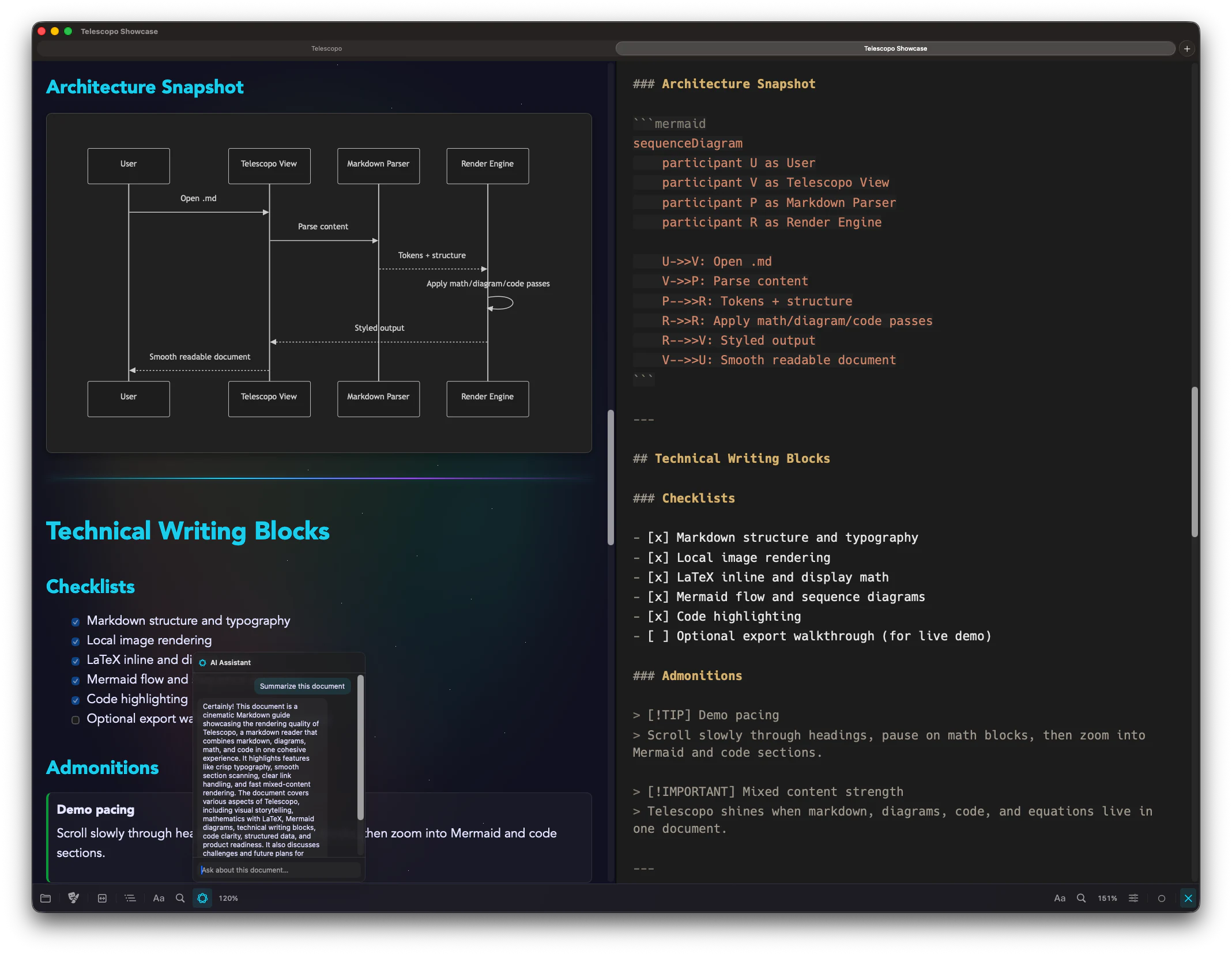
Choose Telescopo if you want Markdown documents to feel like native Mac documents, with comfortable reading, rich preview, Live Monitoring, AI-assisted review, and export.
- VS Code is broad, extensible, and developer-first.
- Telescopo is focused, native, document-first, and built for Markdown work that needs to look finished.
- Many developers can use both: VS Code for code, Telescopo for READMEs, architecture docs, research notes, specs, and export-ready Markdown.
Where Telescopo Is More Specialized
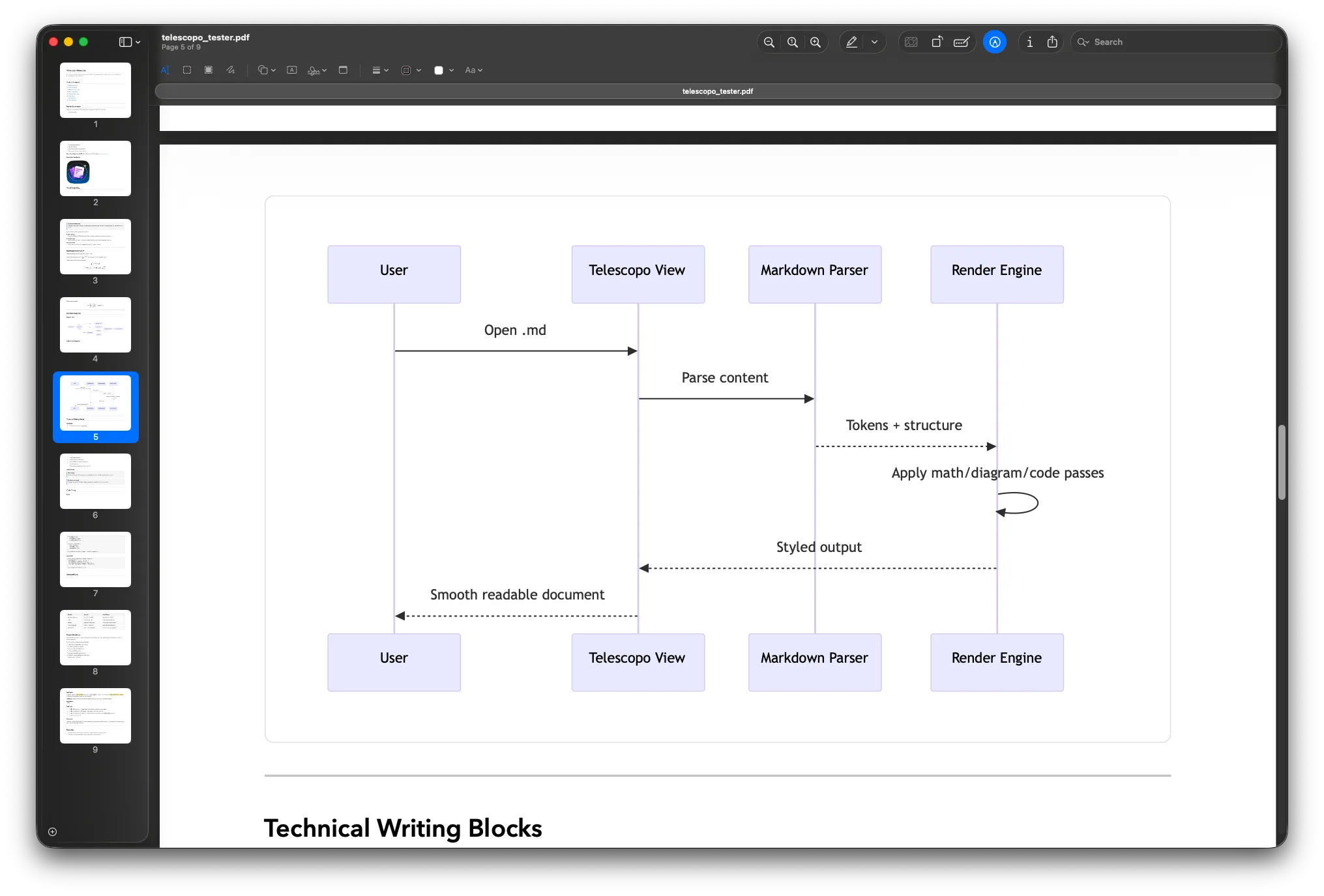
Telescopo gives Markdown a dedicated Mac-native home. It can render Mermaid diagrams and LaTeX mathematics inside your document, keep previews current through Live Monitoring Δ, and export finished PDFs with real page controls instead of sending users through a pile of extensions or external steps.
For PDF output, Telescopo supports US Letter, A4, Legal, A3, and Tabloid sizes, custom margins, portrait and landscape orientation, and a dynamic preview so you can see the result before saving.
Pricing: Telescopo starts free. Full Telescopo access is available through Monthly Access, Annual Access, Lifetime Access, or Setapp Membership.
Official Sources Checked
Competitor descriptions are based on official public pages. Check official pages for the latest feature and availability details.
Frequently Asked Questions
Is Telescopo a VS Code alternative for Markdown?
Yes, for Mac users who want a focused native Markdown workspace instead of a general-purpose developer editor. VS Code is excellent for codebases, extensions, and programming workflows. Telescopo focuses on Markdown documents, reading comfort, live preview, diagrams, math, Live Monitoring, private AI-assisted review, and PDF export.
Can VS Code preview Markdown?
Yes. Visual Studio Code includes Markdown preview and supports Markdown extensions. Telescopo Markdown Studio is built around the Markdown document workflow itself, with a native Mac interface, split editing, rich Markdown rendering, templates, Navigator, Live Monitoring, and export.
Which is better for Markdown to PDF export?
Telescopo is the better fit when PDF export is part of the Markdown workflow. It includes dynamic PDF preview, US Letter, A4, Legal, A3, and Tabloid paper sizes, custom margins, portrait and landscape export, and support for Mermaid diagrams, LaTeX mathematics, images, code blocks, and themes.
Which app is better for developers?
VS Code is better as a broad code editor and development environment. Telescopo is better as a focused native Mac workspace for Markdown documentation, READMEs, specs, reports, AI-generated docs, diagrams, math, and finished PDF output.