| Workflow | Typora | Telescopo Markdown Studio |
|---|---|---|
| Primary role | Minimal Markdown editor and reader | Native Markdown viewing plus complete Telescopo workspace |
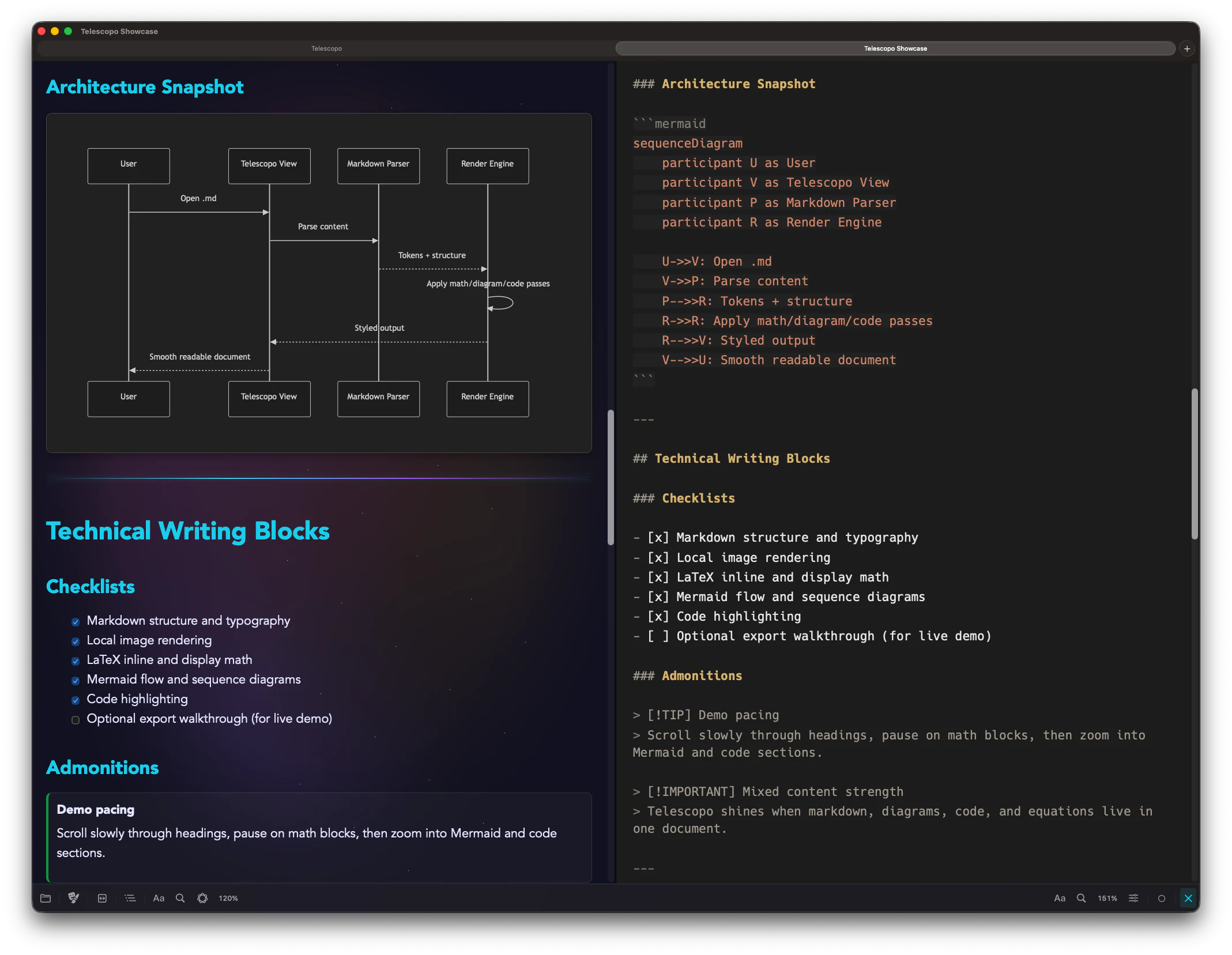
| Preview model | Single-pane live preview editing | Split editor with instant side-by-side preview |
| Templates | Not positioned around a large starter template library | 200+ starter templates built into Telescopo Markdown Studio and available free on the website |
| Reading comfort | Clean editor-centered reading | Dynamic zoom, reading width, system fonts, and contrast themes for comfortable reading on any Mac display |
| AI-era files | Traditional editor workflow | Live Monitoring for AI coding tools, scripts, and other app updates without losing your place |
| Document intelligence | Writing and export tooling | Private local AI Assistant support for asking questions about open documents on supported Macs |
| Pricing model | $14.99 listed on official Typora site | Free start, plus Monthly Access, Annual Access, Lifetime Access, and Setapp Membership |
The Practical Difference
Typora focuses on distraction-free single-pane Markdown editing. Telescopo is built for people who want the full document workflow: free Markdown viewing, split editing, templates, rich Markdown insertion, Navigator, Live Monitoring, local AI Assistant support, and PDF export.
Choose Typora if...
Choose Typora if you want a minimal editor where Markdown syntax disappears into a clean single-pane writing surface.
Choose Telescopo if...
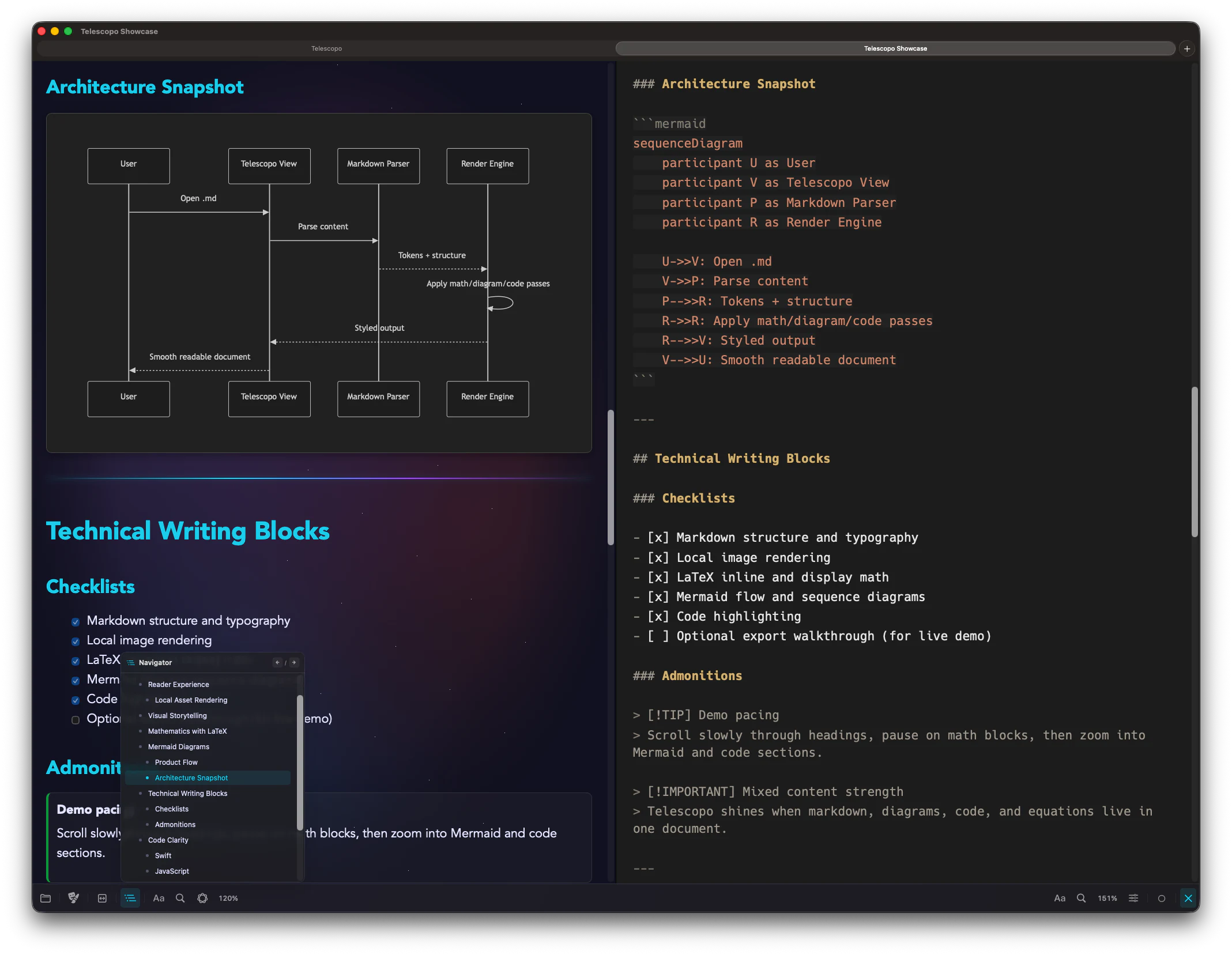
Choose Telescopo if you want a Mac-native Markdown workspace that covers reading, authoring, templates, diagrams, navigation, Live Monitoring, local AI-assisted review, and export.
- Typora fits workflows centered on writing Markdown in a single-pane editor.
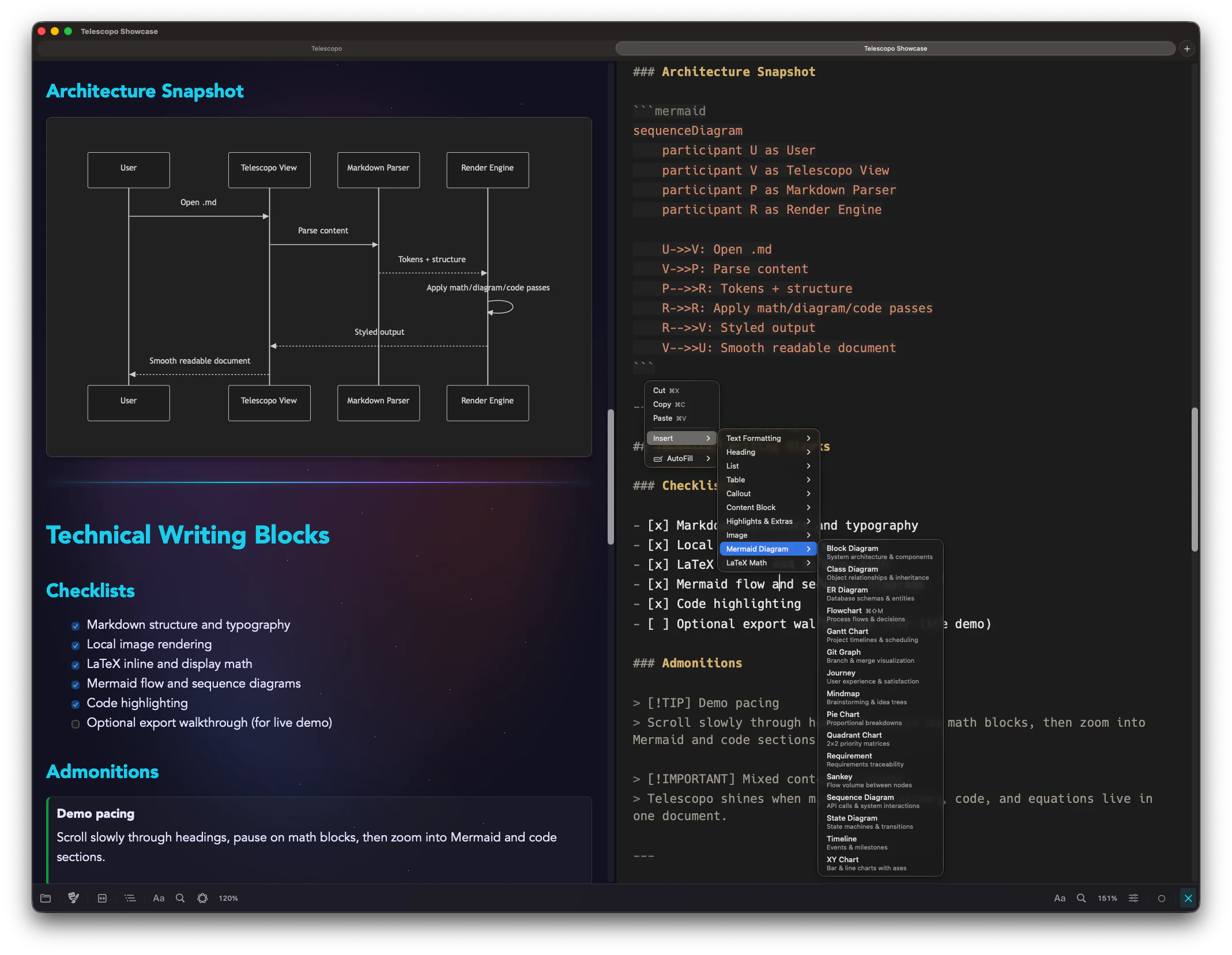
- Telescopo is built for the larger Markdown lifecycle: read, edit, insert rich structures, navigate, monitor, query, and export.
- Telescopo starts free with native Markdown viewing and gives power users the full workspace when they need it.
Why Telescopo Fits Modern Markdown Workflows
Telescopo is built for Markdown documents that move through real work: a template becomes a draft, the draft grows into a spec or report, diagrams and math become part of the document, AI tools update the file, and the final result needs to be readable, navigable, and exportable.
Telescopo Markdown Studio starts with generous focused Markdown reading. Full Telescopo access unlocks the authoring workspace when you need editing, templates, Navigator, Live Monitoring, AI Assistant support, Mermaid, LaTeX, and PDF export.
Pricing: Telescopo starts free. Telescopo Markdown Studio is available through Monthly Access, Annual Access, Lifetime Access, or Setapp Membership.
Official Sources Checked
Competitor descriptions and pricing notes are based on each product's own public pages. Check official pages for the latest pricing and feature details.
Frequently Asked Questions
Is Telescopo a Typora alternative?
Yes, for Mac users who want more than a minimal editor. Typora focuses on minimal editing, while Telescopo focuses on a broader Markdown workspace with Viewer, Telescopo Markdown Studio, templates, Navigator, Live Monitoring, AI Assistant support, and export.
Does Telescopo use single-pane editing like Typora?
Telescopo Markdown Studio uses split editing with instant preview so users can write Markdown while seeing the rendered document side by side.
Which app is built around templates?
Telescopo Markdown Studio includes 200+ starter templates across planning, product, engineering, finance, education, writing, and other categories.
Is Typora cheaper than Telescopo Markdown Studio?
Typora lists a lower one-time price on its official site. Telescopo starts free and offers Monthly Access, Annual Access, Lifetime Access, and Setapp Membership for a broader Mac-native Telescopo Markdown Studio workflow.