| Workflow | Obsidian | Telescopo Markdown Studio |
|---|---|---|
| Primary role | Vault-based notes and knowledge management | Document-first Markdown workspace for local files |
| Data model | Private local vaults with linked notes | Normal Markdown files opened directly from Finder or document workflows |
| Plugins | Thousands of community plugins and themes | Focused native feature set without plugin setup |
| Templates | Template workflows depend on setup and plugins | 200+ starter templates built into Telescopo Markdown Studio |
| AI-era files | Useful for notes and vault workflows | Live Monitoring for files updated by AI coding tools, scripts, or other apps |
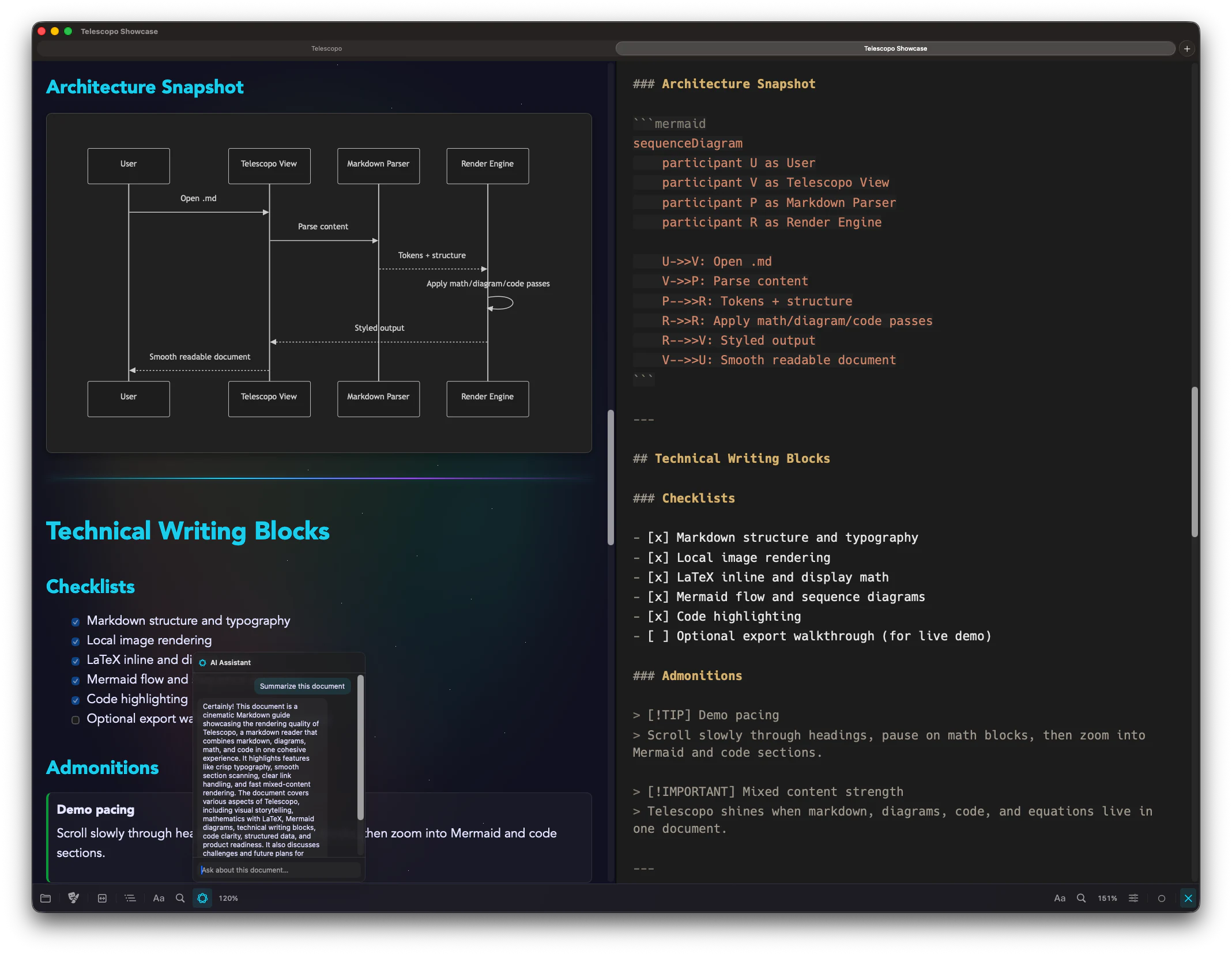
| AI Assistant | Community and add-on dependent workflows vary | Private, local AI Assistant support for asking questions about open documents on supported Macs |
| Pricing model | Free app with optional paid Sync, Publish, Catalyst, and Commercial licenses | Free start, plus Monthly Access, Annual Access, Lifetime Access, and Setapp Membership |
The Practical Difference
Obsidian is built around linked notes, vaults, plugins, backlinks, and personal knowledge management. Telescopo is different: it focuses on standalone Markdown documents and the work around them, from reading and writing to templates, export, Live Monitoring, and AI-assisted document review.
Choose Obsidian if...
Choose Obsidian if you want a vault, backlinks, graph views, plugins, and a long-term personal knowledge base.
Choose Telescopo if...
Choose Telescopo if you want a lightweight native Mac workspace for opening, reading, editing, exporting, monitoring, and analyzing normal Markdown files.
- Obsidian is built for people creating a second brain or connected note system.
- Telescopo is built for people working with files: specs, reports, generated docs, engineering notes, templates, diagrams, and exports.
- Telescopo does not require a vault, account, plugin setup, or note-taking mindset.
Why Telescopo Fits Modern Markdown Workflows
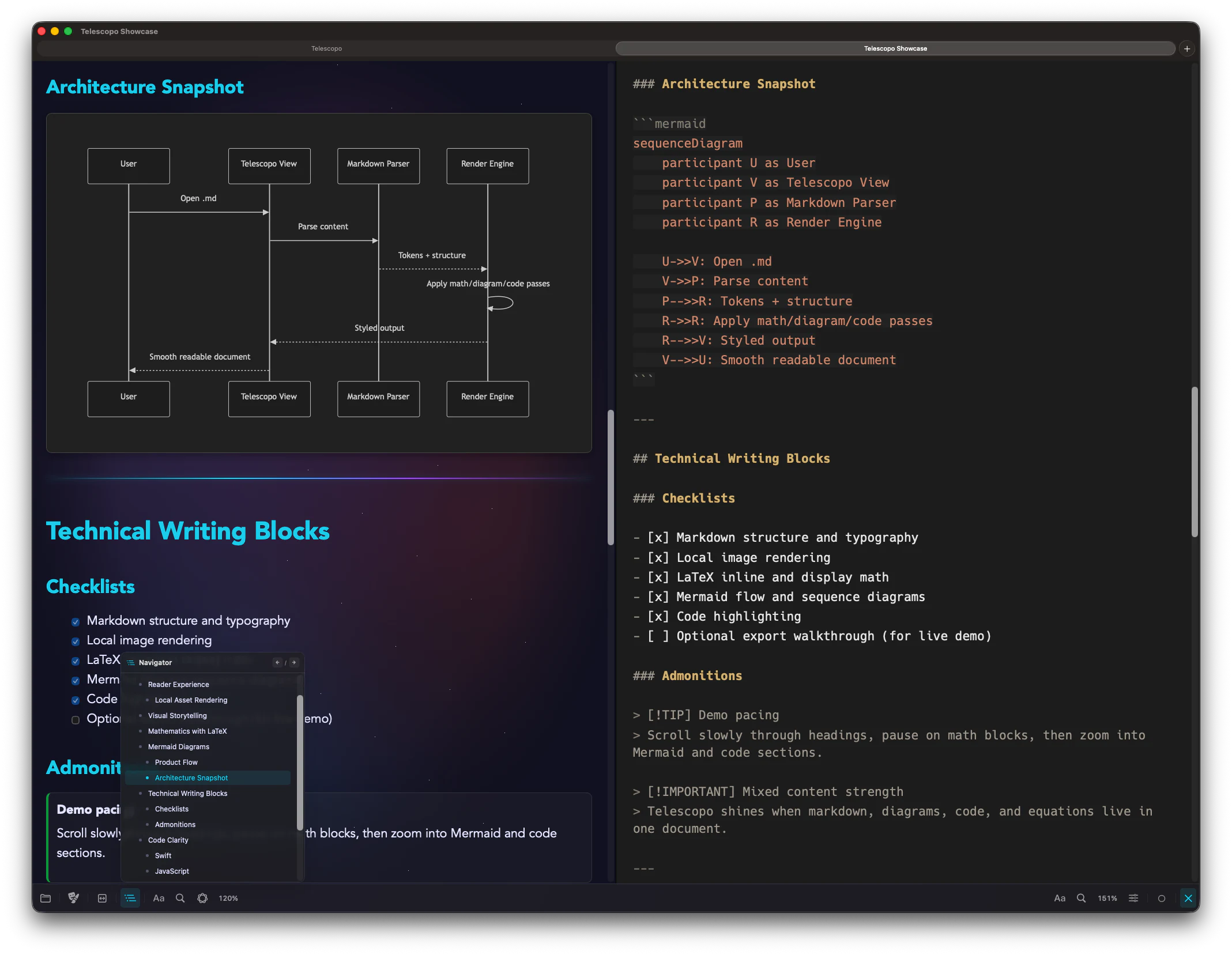
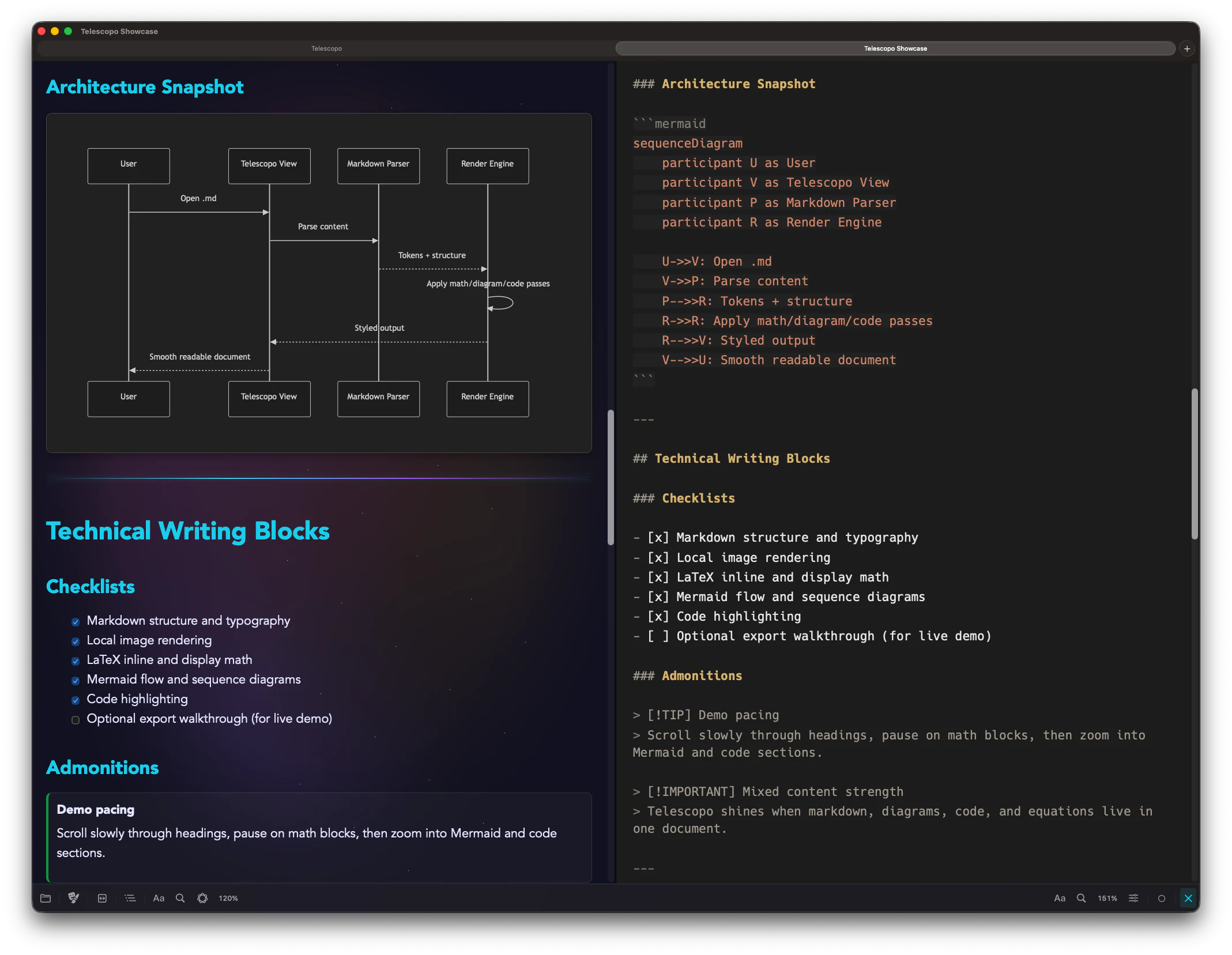
Telescopo is built for Markdown documents that move through real work: a template becomes a draft, the draft grows into a spec or report, diagrams and math become part of the document, AI tools update the file, and the final result needs to be readable, navigable, and exportable.
Telescopo Markdown Studio starts with generous focused Markdown reading. Full Telescopo access unlocks the authoring workspace when you need editing, templates, Navigator, Live Monitoring, AI Assistant support, Mermaid, LaTeX, and PDF export.
Pricing: Telescopo starts free. Telescopo Markdown Studio is available through Monthly Access, Annual Access, Lifetime Access, or Setapp Membership.
Official Sources Checked
Competitor descriptions and pricing notes are based on each product's own public pages. Check official pages for the latest pricing and feature details.
Frequently Asked Questions
Is Telescopo an Obsidian replacement?
Not for vault-based knowledge management. Telescopo is a document-first Markdown workspace for local files, while Obsidian is a notes, vault, backlinks, and plugins platform.
Does Telescopo require a vault?
No. Telescopo works directly with normal local Markdown files and does not require users to manage a vault.
Which app is built for AI-updated Markdown specs?
Telescopo Markdown Studio is designed for Live Monitoring, which keeps open Markdown files updated when AI coding tools, scripts, or other apps write changes on disk.
Does Telescopo have plugins like Obsidian?
No. Telescopo focuses on a native Mac feature set instead of plugin extensibility.