That report, handbook or ebook can become part of your everyday notes. Bring it into Telescopo, turn it into Markdown and keep working with it on Mac, iPhone and iPad. Conversion runs on your device. Your original file stays unchanged.
Updated
Give a Word document a new life
Bring a project brief into your notes. Turn a handbook into a reference you can search and annotate. Start your next draft with the work you've already done.
Telescopo converts supported DOCX headings, lists, tables, links and embedded images into Markdown. Supported equations use LaTeX, ready to read in the app. Keep writing in the visual editor, or switch to Markdown source when you want more control.
See a handbook become Markdown
A single document can hold more than paragraphs. Our Word example combines tables, code, equations and two images. Open the converted Markdown in Telescopo to read the document with its images and mathematics, then make it your own.
Keep the Markdown and its image folder together when moving your work.
Download the original Word document and converted Markdown
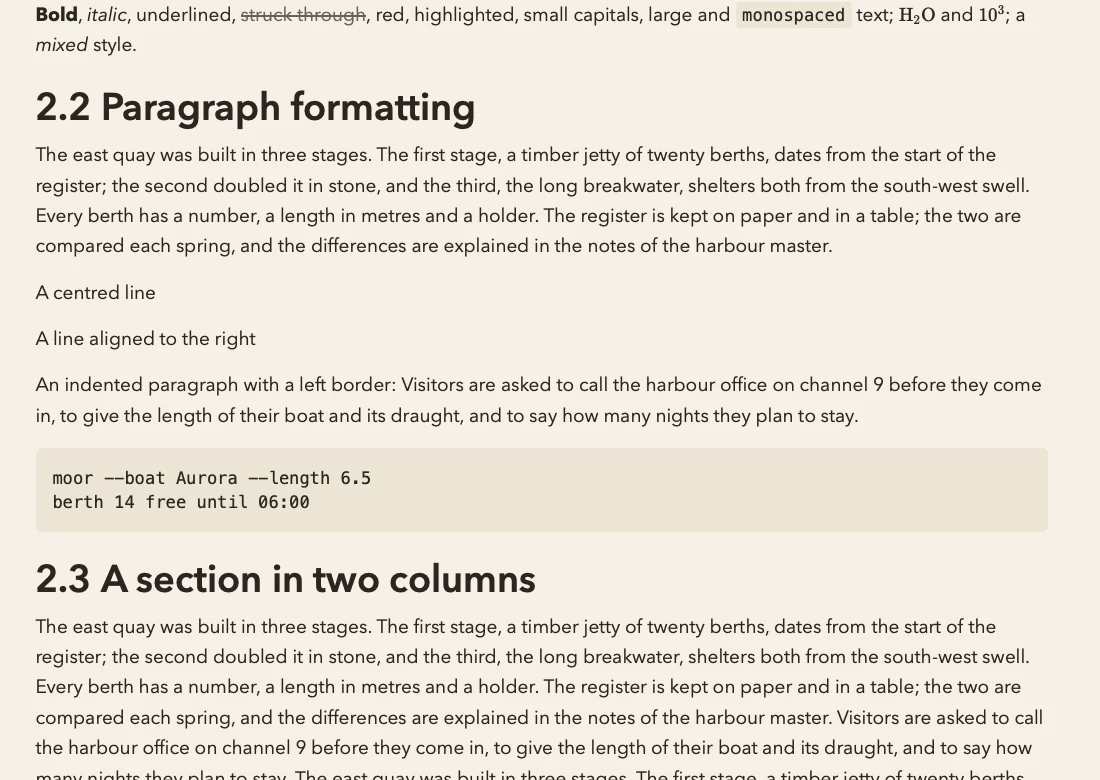
Example source: exav project, released under CC0. The download includes the source details and image attachments where applicable.
Bring over your Google Docs
Working in Google Docs? Download the document as Microsoft Word (.docx), then import it into Telescopo. Continue developing the draft alongside your other Markdown notes.
Put PDFs and EPUB books beside your notes
Turn a readable PDF into material you can work with. Bring chapter content from an EPUB into your reading workflow. Add your observations, connect related notes and build on the ideas in front of you.
RTF and OpenDocument text files are welcome too, so older drafts and documents can join the same workspace.
Import and keep working
- On Mac, choose File → Import as Markdown…. On iPhone or iPad, open Library Tools → Import….
- Choose your document and review the converted Markdown.
- Check the name and destination, then choose Import.
Read the result, edit it visually or work in source. Export a PDF when you're ready to share. Save the Markdown and attachments in iCloud Drive to continue on another device where those files are available.
Supported document formats
| Source | File types |
|---|---|
| Word | DOC, DOCX, DOCM |
| OpenDocument text | ODT |
| Rich text | RTF |
| Ebooks | EPUB |
A few useful details
What do I need? Conversion requires paid access and supported hardware. Mac conversion requires Apple Silicon. Supported iPhone and iPad devices can convert files too. Setapp includes conversion on Mac; mobile uses App Store access.
Can I import a scanned PDF? PDFs need readable text. Scanned pages need OCR first. PDF conversion focuses on text; images are not extracted and complex layouts may need cleanup.
How large can a file be? Files must fit within the app's 32 MB import limit.
Bring your next document into focus
Keep reading. Add your own ideas. Make the document part of the work you're doing next.
Download Telescopo · Access and subscriptions
Working with numbers
Convert Excel, CSV and other spreadsheets to Markdown.
More formats in Telescopo
Convert PowerPoint, Google Slides exports and OpenDocument presentations: PPT, PPS, POT, PPTX, PPTM, PPSX, PPSM and ODP.
Spreadsheet imports include XLS, XLSX, XLSM, XLSB, ODS and CSV. Explore spreadsheet conversion.
Try it in Telescopo
Explore the included sample documents for free. Opening and reading your own Markdown files, diagrams, and equations is free. Writing, conversion on supported hardware, and export require paid access. See access and subscription details.
Download Telescopo