Included in Telescopo Markdown Studio: fast viewing for supported files, 30 themes including animated themes, zoom, width controls, and global fonts. Try the complete workspace during the 7-day trial.
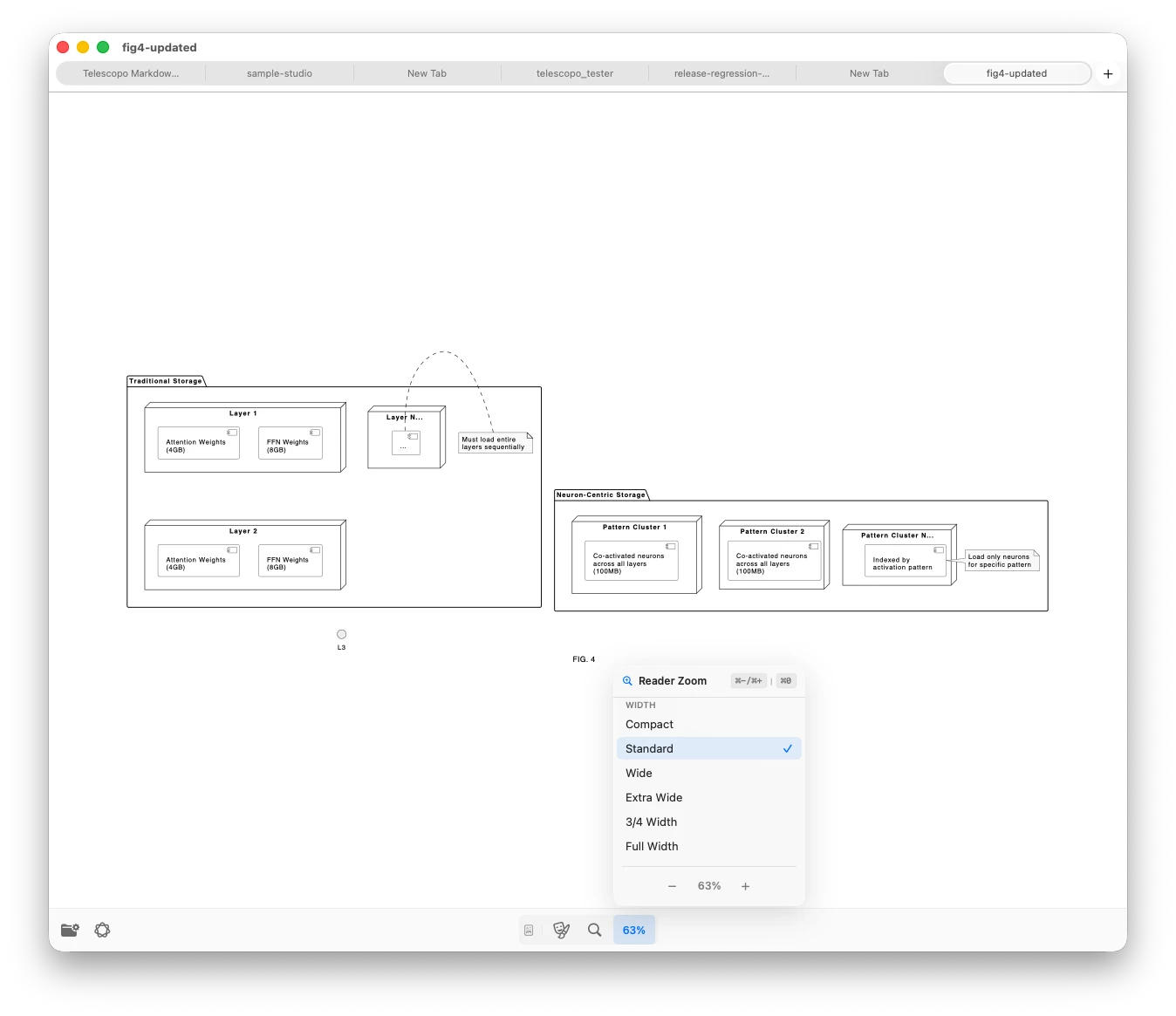
The Gap in macOS SVG Viewing
macOS ships with Quick Look support for SVG files, but Quick Look is a preview tool, not a viewer. It renders the file at a fixed size, offers no zoom, and provides no way to inspect the asset against different backgrounds. For designers and frontend engineers who work with SVG icons, illustrations, and animations daily, Quick Look is insufficient.
The alternative most designers reach for is Figma or Sketch. Opening a 200 KB SVG in a tool designed for multi-artboard collaborative work introduces seconds of load time, workspace friction, and memory overhead that is entirely disproportionate to the task of simply reading a vector file. There has long been a gap between "too little" (Quick Look) and "too much" (Figma), and Telescopo fills it.
Native Rendering: What It Means for SVGs
Telescopo uses a native rendering pipeline, the same framework used to render game graphics, AR content, and Final Cut Pro effects. Applying it to SVG rendering means that vector paths are tessellated and rasterized on the GPU rather than on the CPU. The consequence is that even highly complex SVGs with thousands of paths open and redraw instantly.
Zooming is equally smooth. Because the rendering pipeline operates on vector geometry rather than pixels, Telescopo maintains full quality at every zoom level from 10% to 6400%. Pinch-to-zoom on a trackpad and keyboard zoom shortcuts both benefit from this pipeline: there is no re-rendering delay, no interpolation artifact, and no blurring at high magnification.
Dynamic Background Themes for Transparency Inspection
SVG files frequently use transparent backgrounds. A logo that looks correct on white may have clipping issues on a dark background, or vice versa. Catching these problems requires viewing the asset against multiple backgrounds before delivery.
Telescopo Markdown Studio includes Light, Dark, Contrast Light, and Contrast Dark backgrounds for everyday inspection and high contrast accessibility, plus a full library of 30 themes with 5 animated themes. Switching backgrounds helps verify transparency masking, edge anti-aliasing, and color contrast against different canvases.
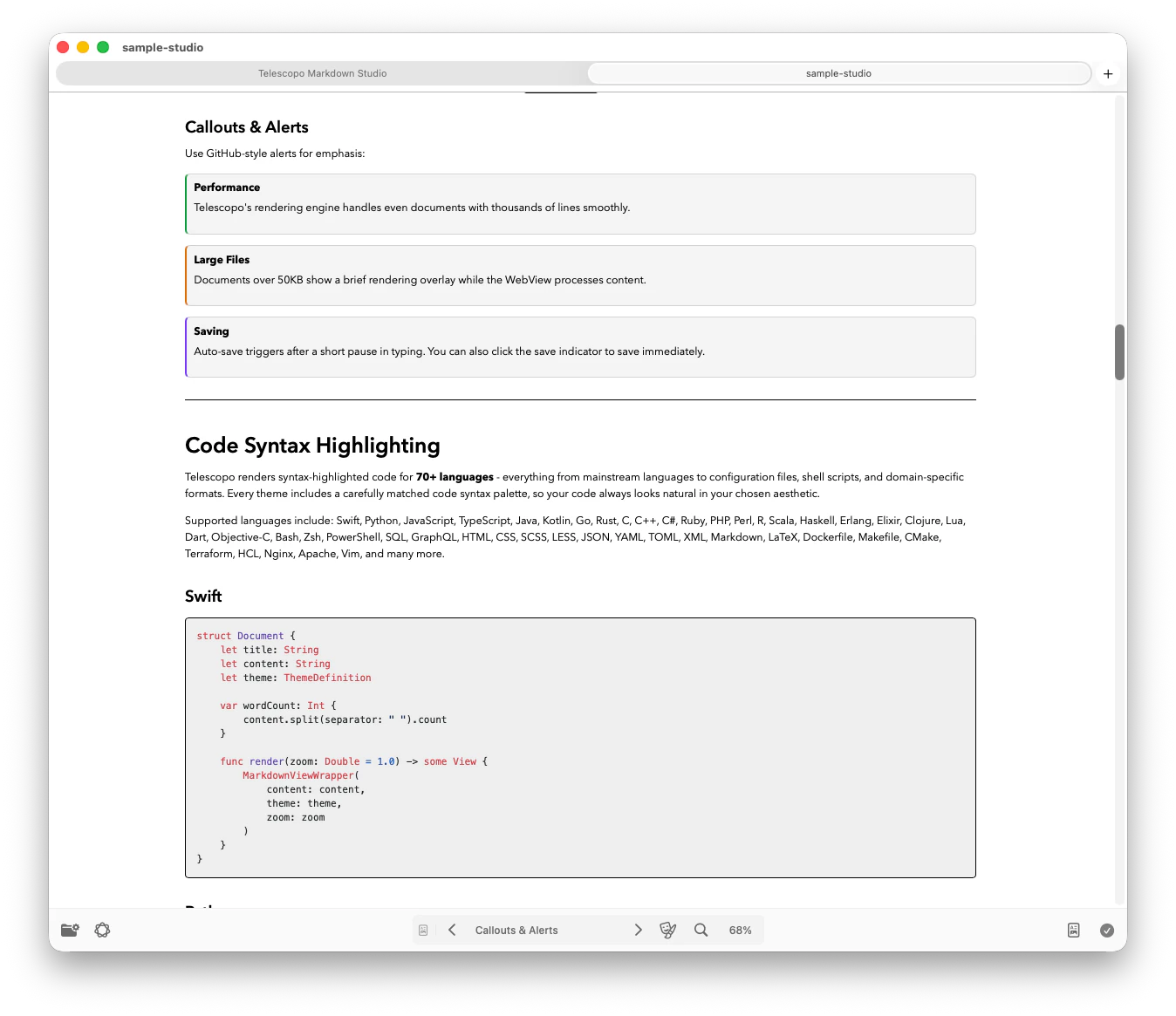
Contrast Light
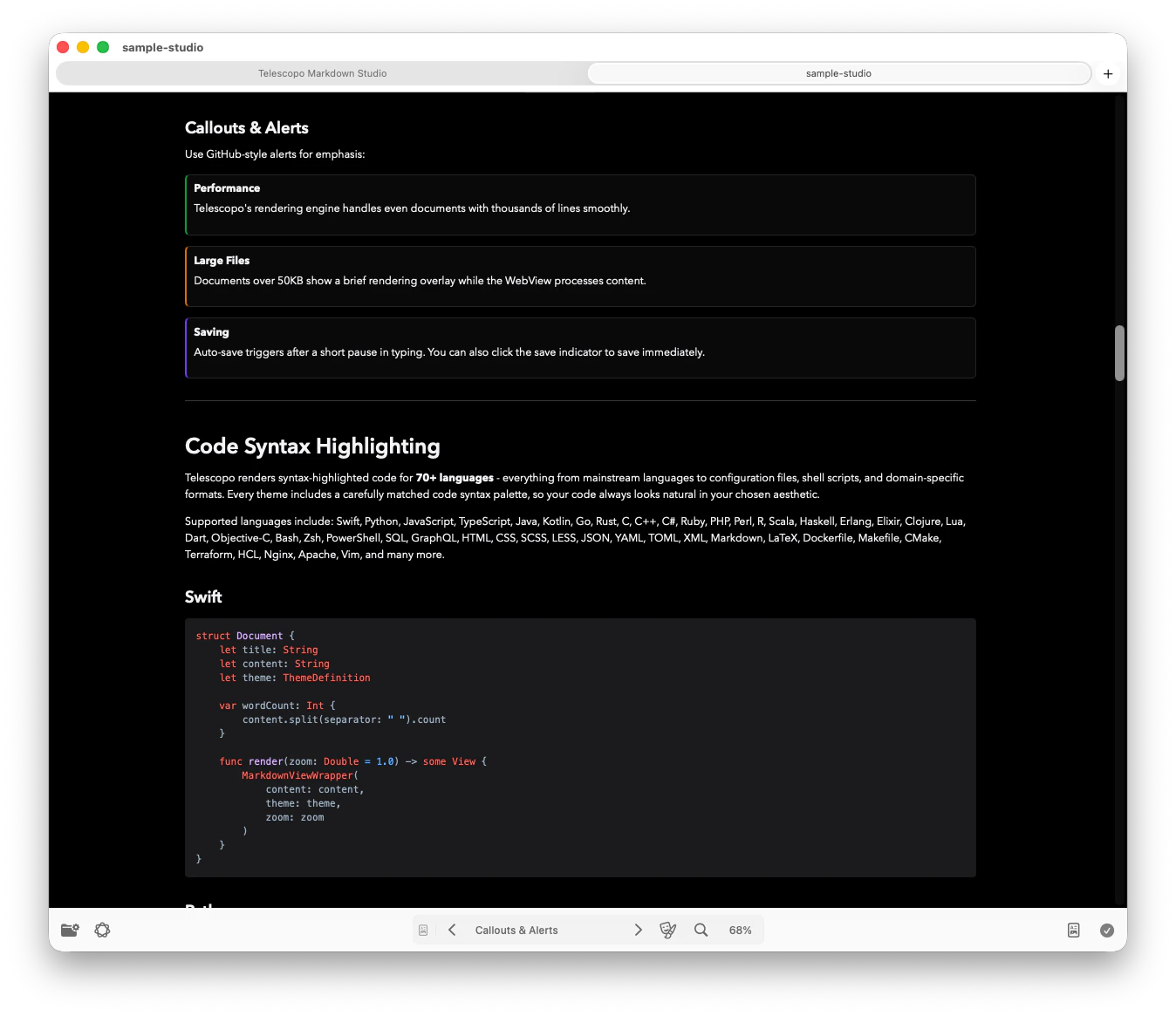
Dark
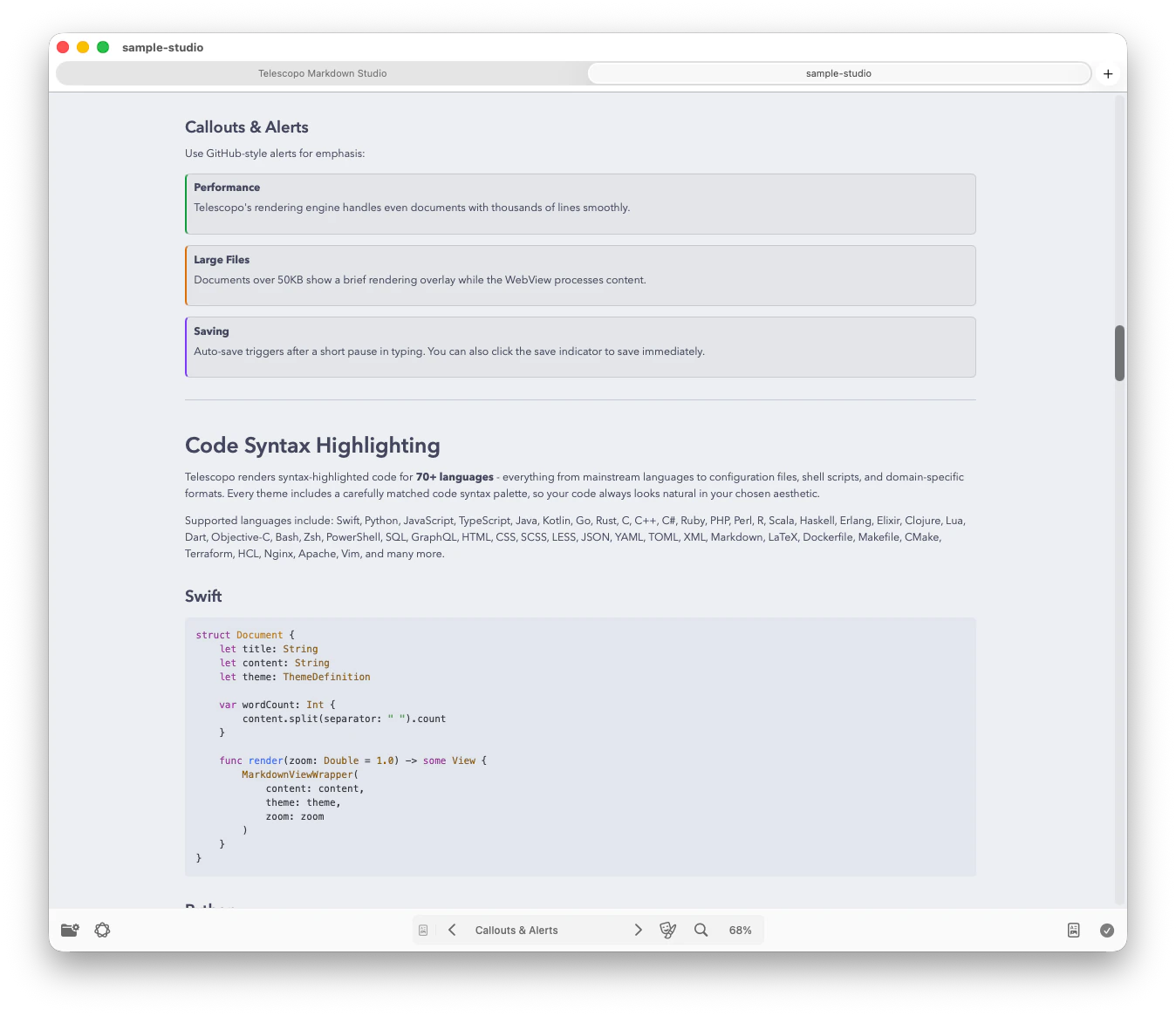
Latte
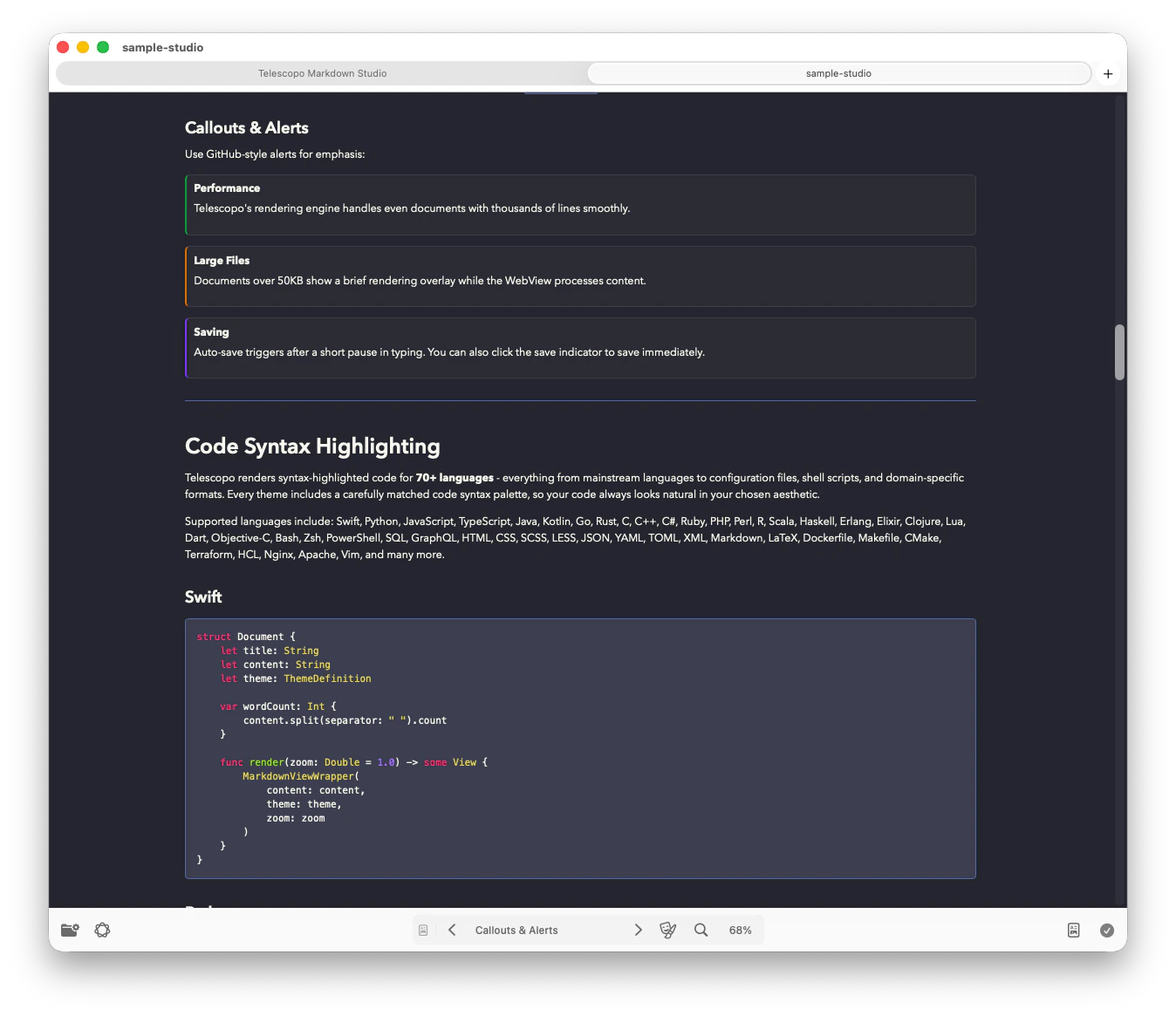
Darkula
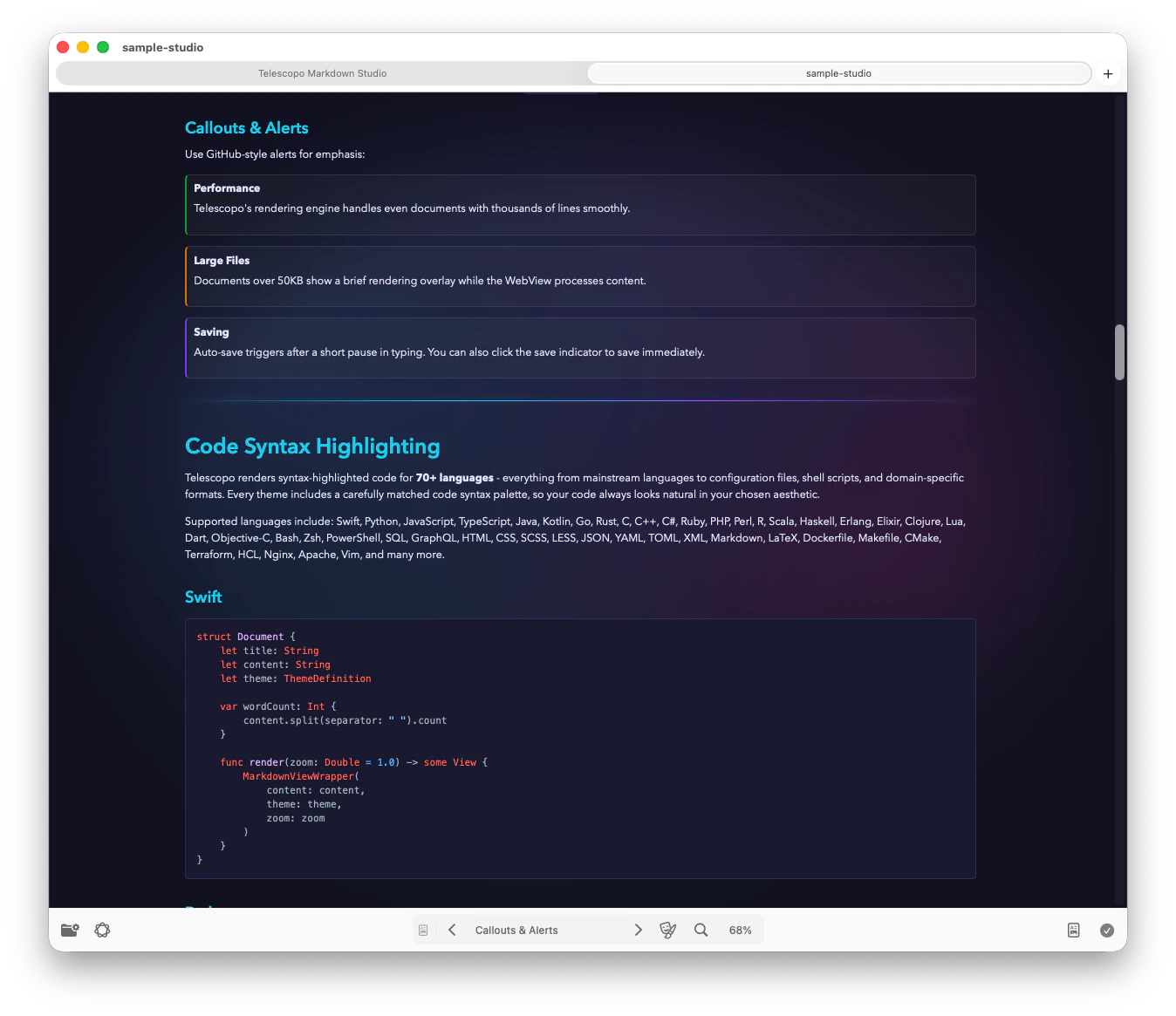
Aurora
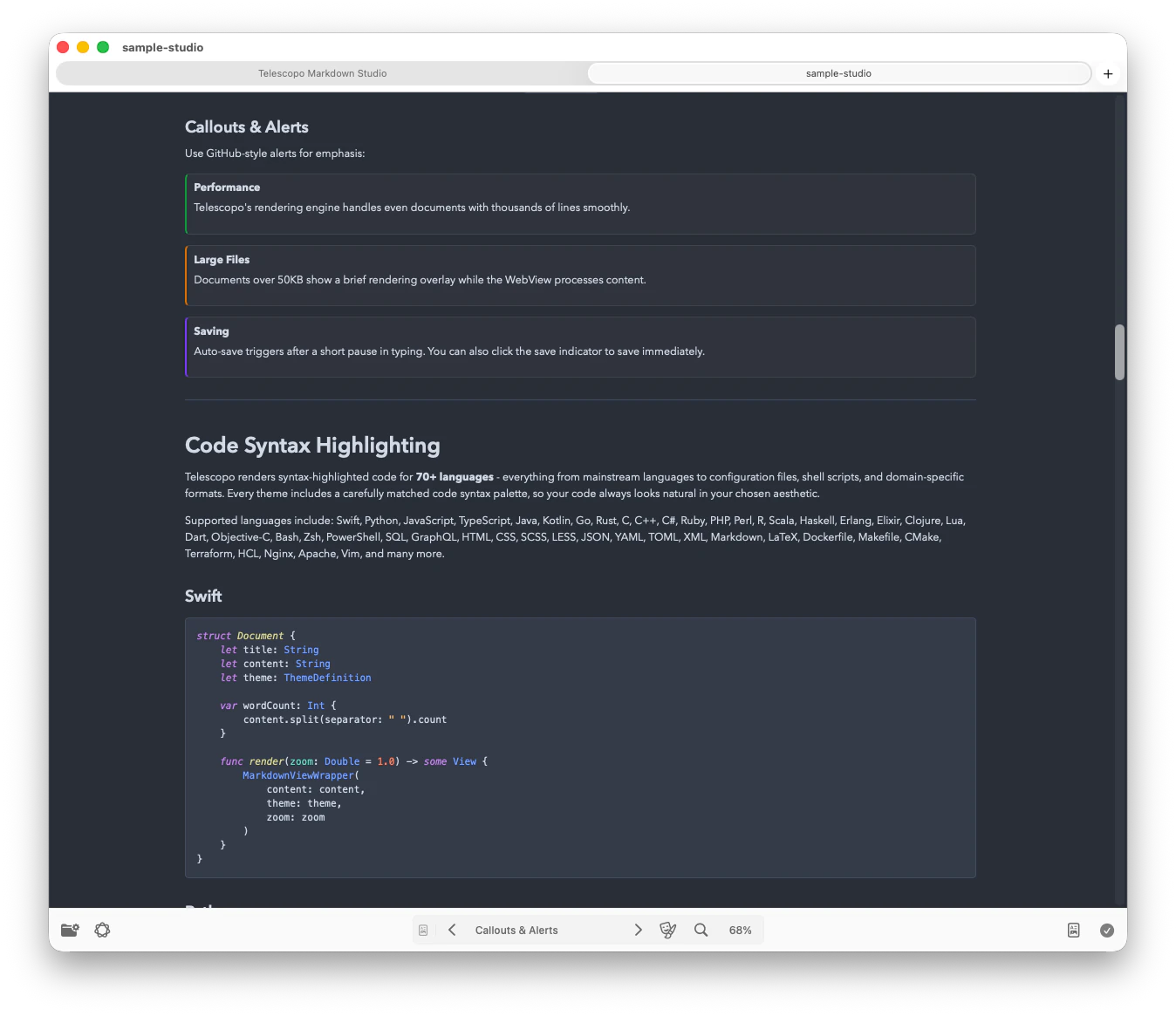
Nord
Related: Dark Mode and Custom Themes for Reading Code and Markdown on Mac - full details on all 30 themes used for SVG transparency inspection.
Who Uses Telescopo as an SVG Viewer
- Frontend engineers auditing icon sets, verifying that SVG sprite sheets have correct viewport attributes, and checking that path data renders cleanly at small sizes.
- UI/UX designers doing a quick sanity check on exported SVG assets before handing them off to engineering, without the overhead of reopening the source file in Figma.
- Motion designers previewing SVG animations that are authored in code and exported from animation libraries, to verify keyframe geometry before browser testing.
- Data visualization engineers inspecting SVG output from chart libraries, verifying axis labels, path accuracy, and clip region boundaries at high zoom.
Opening SVG Files Instantly
Telescopo registers as a handler for .svg files on macOS. You can set
it as the default viewer in Finder so that double-clicking any SVG file opens it directly in Telescopo.
You can also drag SVG files onto the app icon or use the Open dialog. There is no import step and no
project creation. The file is ready to inspect the moment it opens.
Related: Replacing Preview: A Unified Viewer for Code, Markdown, and SVGs on Mac - see how SVG viewing fits into one cohesive app alongside code and Markdown.
Frequently Asked Questions
Is Telescopo a good SVG viewer for Mac?
Yes. Telescopo is a native macOS SVG viewer powered by native rendering. It supports vector-preserving zoom, crisp rendering, and multiple background themes for inspecting SVG assets without opening design software.
Does SVG stay crisp when I zoom in Telescopo?
Yes. Because SVG is a vector format, Telescopo can magnify the rendered asset without the blocky pixelation associated with raster images.
Can I change the background color when viewing SVGs in Telescopo?
Yes. Telescopo offers 30 visual themes including Light, Dark, Parchment, Cyberpunk, Bad Command, and Cyberspace. Switching themes instantly changes the canvas background, which is essential for inspecting SVGs with transparent regions.