Markdown Reader for Mac
Not a browser tab. A dedicated reading experience for Markdown - with dynamic fonts, search, tabs, reading width, manual refresh, and beautiful rendering.
Not a browser tab. A dedicated reading experience for Markdown - with dynamic fonts, search, tabs, reading width, manual refresh, and beautiful rendering.
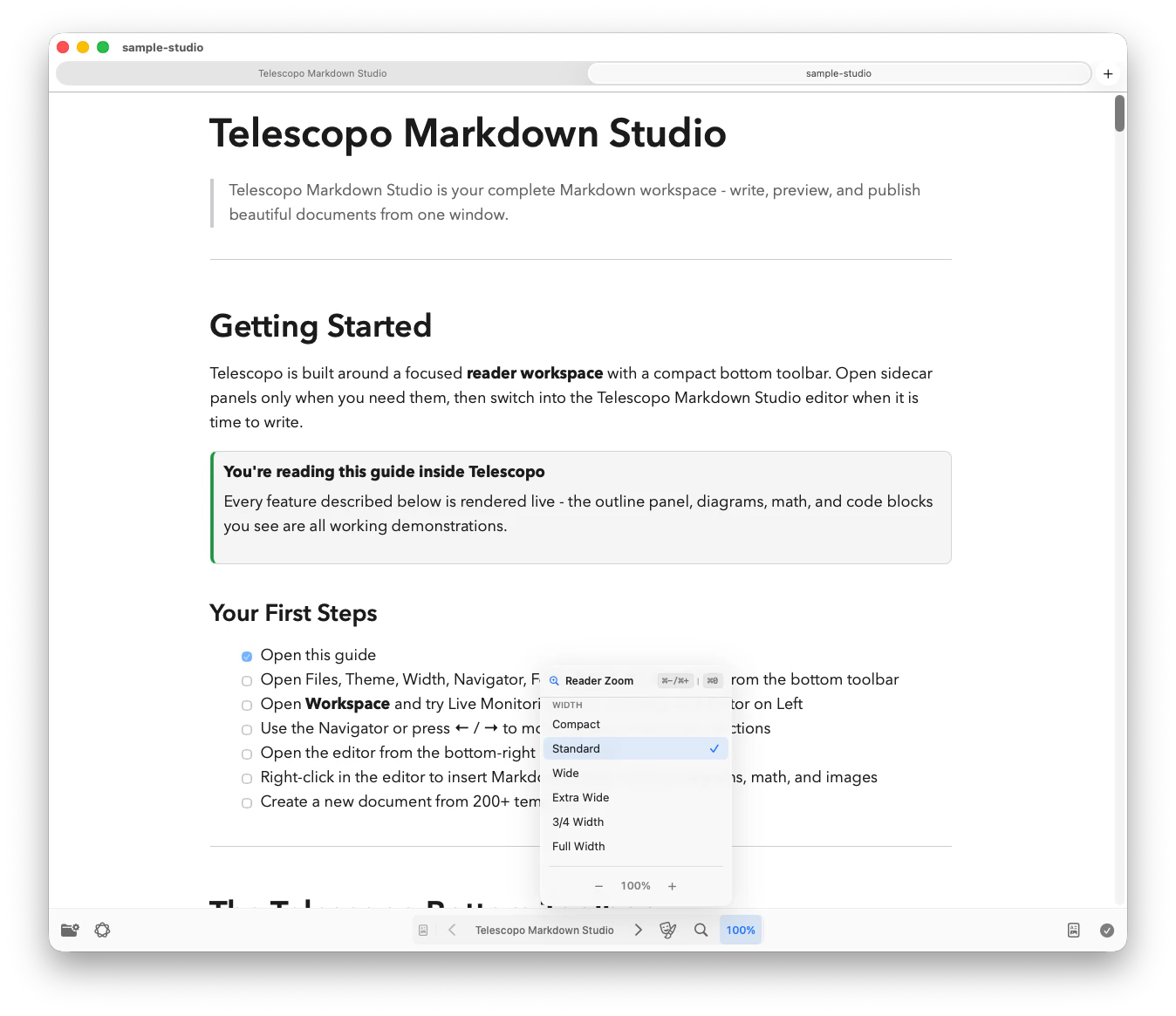
Adjust font size and content width to match your display and reading preference. Comfortable on any screen.
Every heading becomes an outline entry so long files stay easy to scan with Quick Section Navigator.
Find anything in your document instantly. Highlighted results with match count and navigation.
Open multiple documents side by side. Compare specs, review related docs, or reference while you work.
One complete workspace. Switch from Reader to Editor or Split view for templates, Live Monitoring, Mermaid, LaTeX, export, and private AI-assisted document review.
Telescopo is a native macOS Markdown reader built for the reading experience. Reader view includes dynamic fonts, search, tabs, windows, reading width controls, themes, and Quick Section Navigator.
A reader focuses on beautiful rendering, navigation, and comprehension. Telescopo Markdown Studio also includes Editor and Split views, templates, export, and private AI-assisted document review.
Yes. Telescopo is designed for large, complex Markdown documents. Quick Section Navigator, search, reading width, and zoom keep long technical files practical to read without promising an unbounded file size.
Download from the Mac App Store and begin a 7-day full-feature trial. No browser or extensions required.